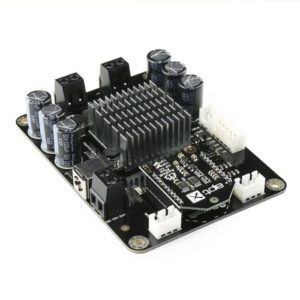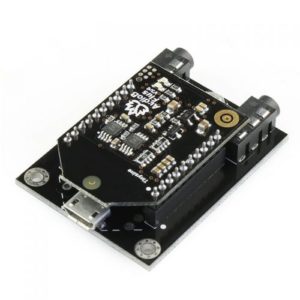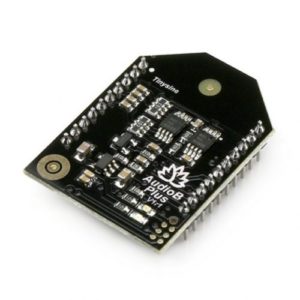
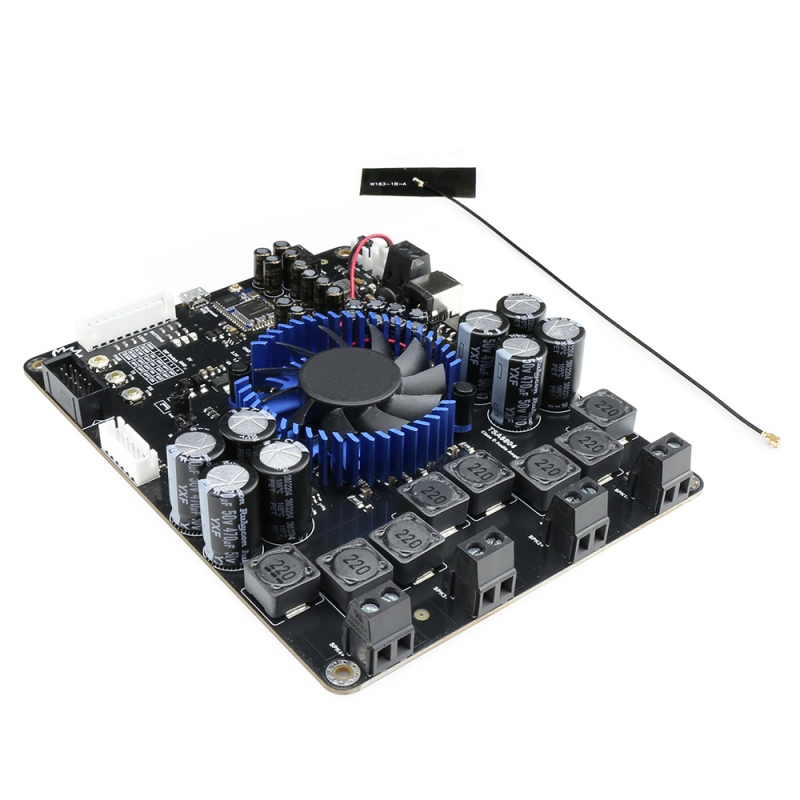
4 x 100W Bluetooth 5.0 Multipoint + DSP Audio Amplifier Board – TSA8804

$87.45

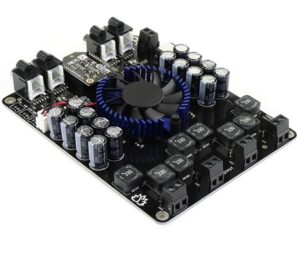
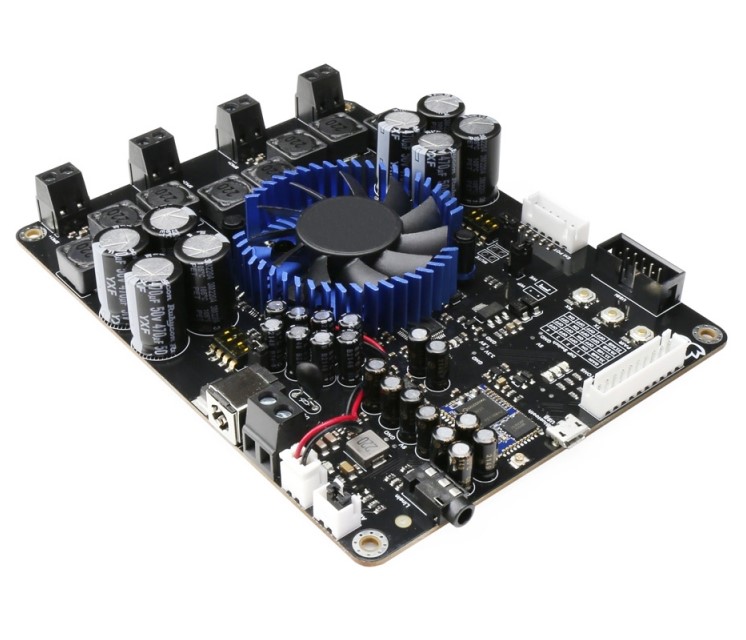
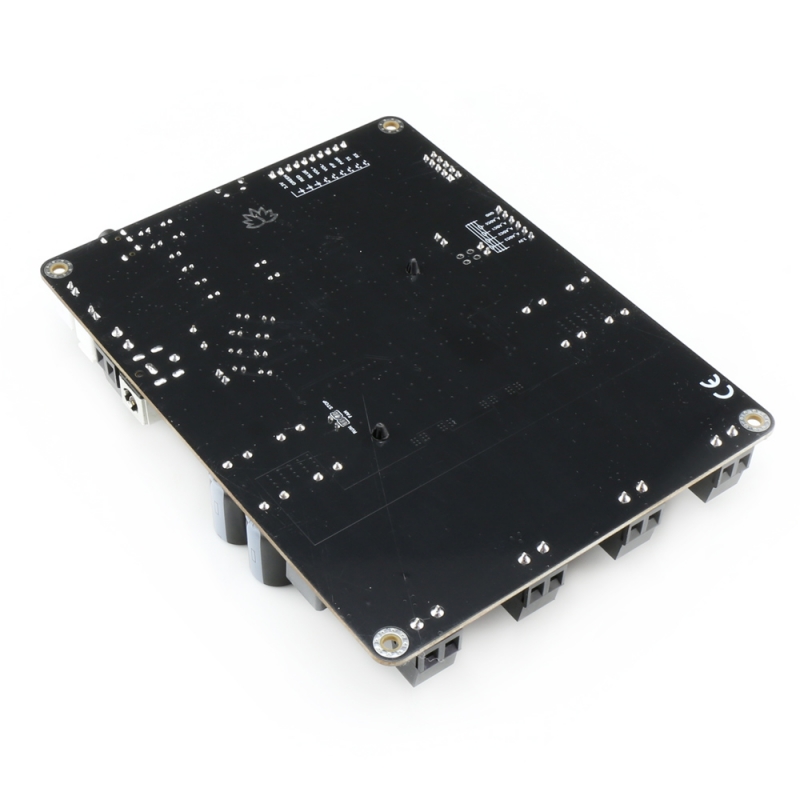
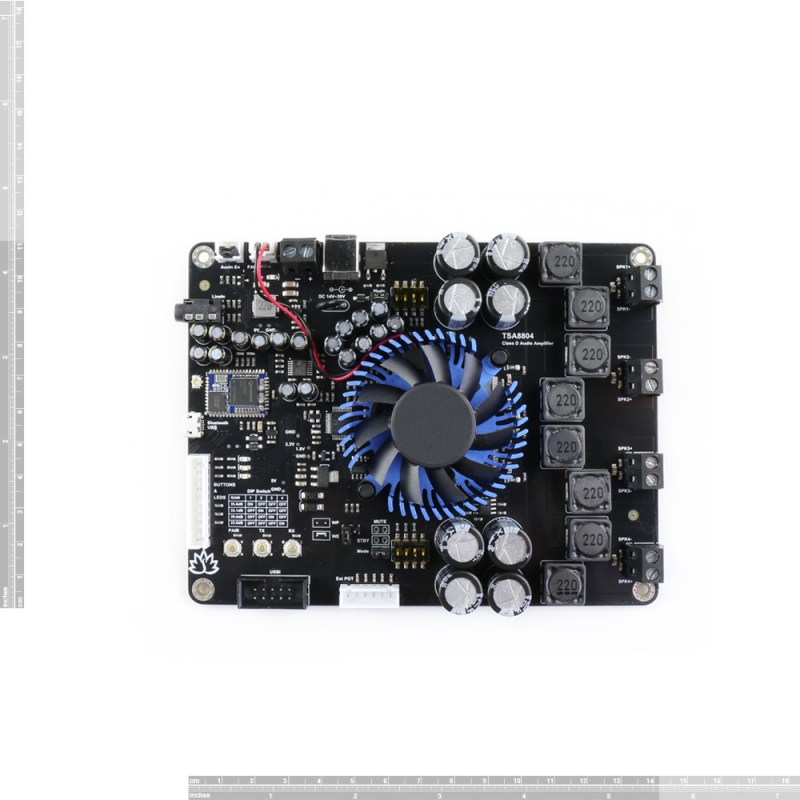
The TSA8804 is a 4x100W Stereo Bluetooth 5 multipoint audio amplifier board. It features perfect Class-D architecture based on the TDA7498E, with each channel capable of delivering a maximum of 100W power output. Both channels can output nominal power simultaneously and continuously. Any DC 14V-39V power supply can power this board and can be used to drive any 4Ω or 8Ω passive speakers.

4 x 100W Bluetooth 5.0 Multipoint + DSP Audio Amplifier Board – TSA8804

The TSA8804 has been discontinued. Please use the upgraded version, TSA8804 V2.

The TSA8804 is a 4x100W Stereo Bluetooth 5 multipoint audio amplifier board. It features perfect Class-D architecture based on the TDA7498E, with each channel capable of delivering a maximum 100W power output. Both channels can output nominal power simultaneously and continuously. Any DC 14V-39V power supply can power this board and drive any 4Ω or 8Ω passive speakers.

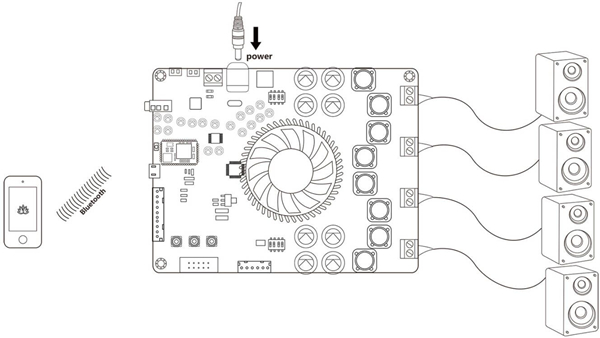
A highlight of this board is BT 5 integration. Multiple TSA8804 boards can be paired and worked together, and the TSA8804 can remember pairing information, eliminating the need to pair them each time after turning on the amplifier board. This makes building a wireless surround sound system possible using the TSA8804.

If you only use one TSA8804, it can function like a standard Bluetooth amplifier board. Power up the amplifier board and double-click the PAIR button to set the board into Pairing mode. Use your phone or PC (etc.) to search for a new Bluetooth device, and the module will appear as “TSA8804.” No PIN is required; pair it, and you can start playing music.
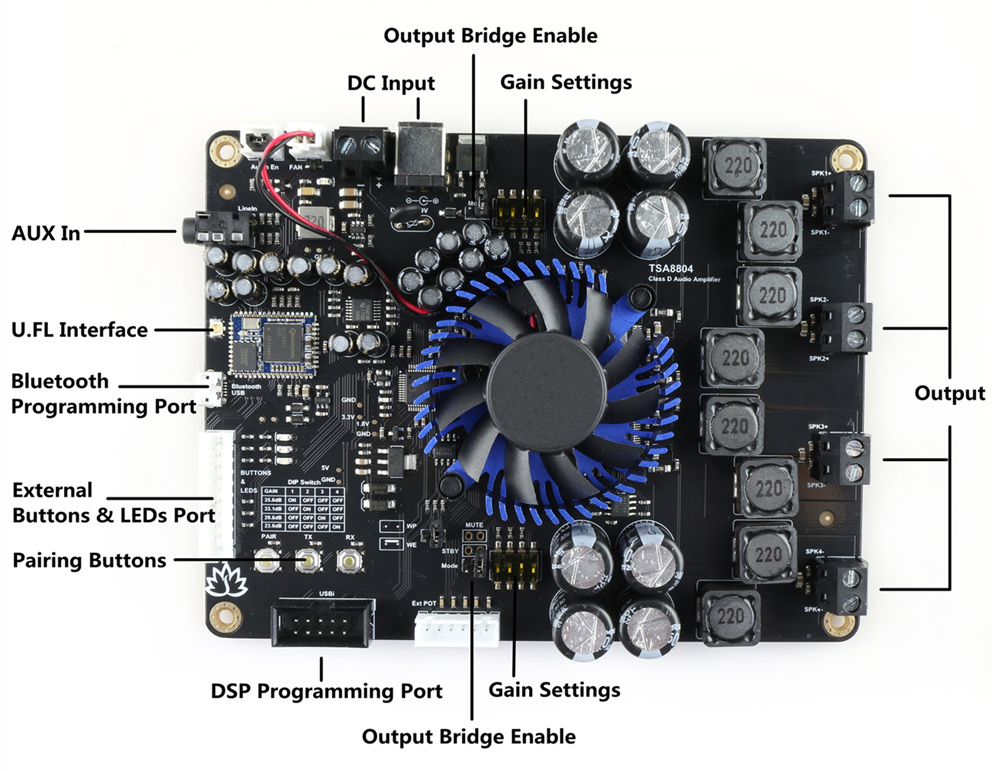
Pairing Buttons:

  • PAIR: Double-click to enter pairing mode.
  • TX: Click to enter transmitter mode.
  • RX: Click to enter receiver mode.

One board works like a regular Bluetooth amplifier.
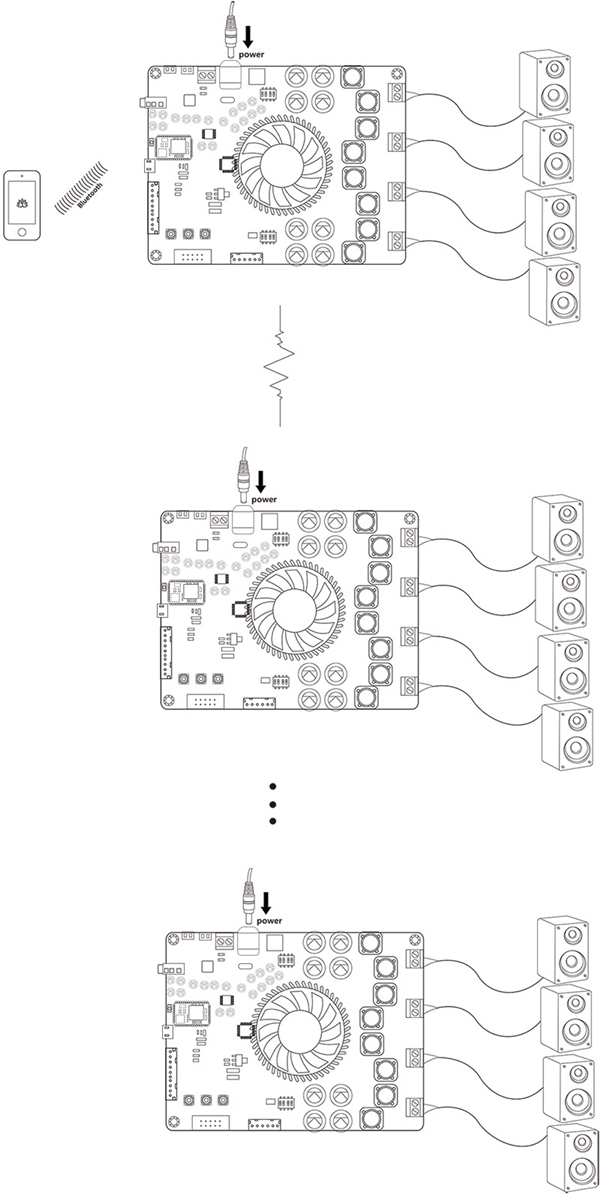
Multiple boards work together.

How to Use:

Master Board:

  1. Power up the TSA8804. The blue LED will blink slowly. (Voice: “Power ON”)
  2. Double-click the PAIR button to set the TSA8804 into Pairing mode. The blue LED will blink rapidly. (Voice: “Pairing”)
  3. Your smartphone will now be able to find a new Bluetooth device named “TSA8804.” Connect to it. (Voice: “Pairing successful”)
  4. You can now play music. If you only use one amplifier board, you do not need to follow the steps below.
  5. Click the TX button to set the module to transmitter mode. The red LED will turn on. (Voice: “Broadcast mode”)

Slave Board:

  1. Power up another TSA8804. The blue LED will blink slowly.
  2. Ensure that the master board is working correctly and is in transmitter mode. Click the RX button to set the slave board into receiver mode. It will automatically search for the master board. The green LED will turn on. (Voice: “Broadcast audio enabled”)
  3. Double-click the RX button on the slave board and the TX button on the master board. The master board will automatically search for the slave board for 30 seconds. Both the master and slave boards will be connected. (Voice: “Pairing successful”)
  4. The slave board will now have music output.
  5. If a new board wants to join as a slave board, simply click the RX button on the new board to set it into receiver mode, then double-click the RX button and double-click the TX button on the master board.
  6. If a slave board wants to quit, click the TX button on that board.

Note: If you do not hear the voice prompt when clicking the TX button, please click the RX button to switch the mode and then click the TX button again.

Output Bridge Enable Settings:

The TSA8804 is designed based on the TDA7498E, which can be used in stereo or mono BTL modes. You can set the jumper to close to enable the output bridge. Then, connect SPK1+ and SPK2+ together, SPK1- and SPK2-together, or SPK3+ and SPK4+ together, or SPK3- and SPK4-together. The output will then become 200W.
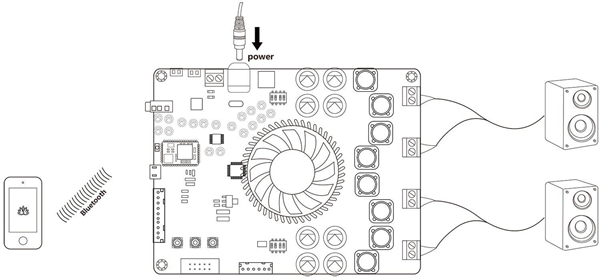
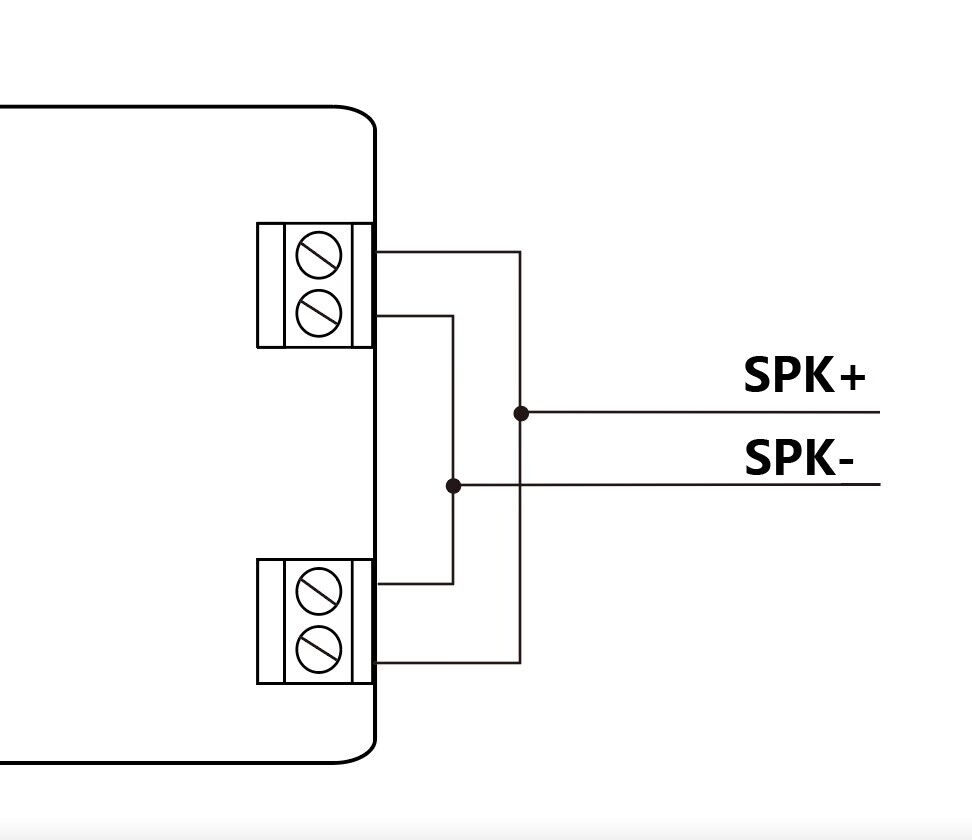
Bridge the output

External Volume Control:

There is an Ext POT port on the board. You can connect external POTs (5K~20K) to control the main volume, treble, middle, and bass. Please note that you will need to update the DSP program first. DSP program (with external POTs). This is our POT kit.

  • ADC0 – Main volume.
  • ADC1 – Bass volume.
  • ADC2 – Middle volume.
  • ADC3 – Treble volume.

Specifications:

The specifications are typical at +25℃ and powered by 36VDC unless otherwise noted. Subject to change without notice.

Parameter Condition Min Typ Max
Supply Voltage (VDC) 14 39
Input Impedance (Kohm) 69
Undervoltage protection
threshold (VDC)
8
Output Power (W) THD = 10% 160
THD = 1% 125
Parallel BTL (mono) output
power (W), RL = 3 ohm, Vcc = 36 V
THD = 10% 220
THD = 1% 170
Efficiency (%) 85
THD (%) Po = 1 W 0.05
Gain (dB) GAIN < 0.25*VDD 23.6
0.25*VDD < GAIN <
0.5*VDD
29.6
0.5*VDD < GAIN <
0.75*VDD
33.1
GAIN > 0.75*VDD 35.6
Minimum Load (ohm) 4
Operating Temperature (℃) 0 20 50

Features:

  • Size: 143*110*20mm
  • Multipoint connection
  • Output bridge enable
  • Bluetooth 5.1
  • Up to 100 boards can be linked together.
  • Qualcomm cVc audio technology
  • Qualcomm TrueWireless Technology
  • Stereo receive
  • Effective transmission distance: 10-15m
  • Compatible with all Bluetooth devices that support media audio, including iPhone
Reviews

There are no reviews yet.

Only logged in customers who have purchased this product may leave a review.

Shipping Policy

Fast Delivery! We ship via FedEx, UPS, DHL, and USPS because they are fast, reliable, and easily trackable. We process orders within 24 hours, and delivery may take 4-7 business days after that, depending on your location. We will email you the tracking number once your order is shipped.

Shipping Costs: For some industrial products, such as heavy wheels and CNC machines, shipping costs are calculated based on product weight, not quantity. To reduce shipping costs for orders with multiple items, please email us at sales@ozrobotics.com before placing your order. We show shipping rates on the product page under the SHIPPING tab. To view the shipping cost for your country, click 'Add to Cart' on the product page.

Return Policy

5 Hours: Mistakes happen when ordering, so you have 5 hours to request a refund for any reason, including if you don’t want to pay the tariff. However, Stripe will not refund you their processing fee if you cancel your order.

All Sales Are Final: After 5 hours, we cannot cancel your order or issue a refund because order cancellations require reverse tariff payments and multiple shipping fees, which are very costly and time-consuming. For technical issues, we will be happy to assist you in resolving problems and provide a replacement if you can prove that the product has a manufacturing defect.

Exchange Policy: We want you to be happy with your new purchase. However, once you have used the product, we cannot issue a refund. But we will offer an exchange for a product that has irreversible manufacturing defects or technical problems. If you purchased the wrong product, then you, as the customer, will be responsible for the re-shipping fees and tariffs. If the product you purchased is defective, email us at support@ozrobotics.com with photos or a video of the faulty parts so we can evaluate it before arranging for a replacement.

Shipping costs

Method Name Region / Country State Postcode Cost
N/A Any Any Any $25.00

We’re here to help you buy the hottest products affordably, with fast shipping and World-Class Customer Support. However, please read about the newly imposed tariffs and click the Delivery tab to review our Return and Refund policies before making a purchase.

Tariff: We ship directly from the country where the product is made, such as China, Italy, or Taiwan, helping you avoid or pay lower tariffs. Since we do not always ship products to you from the USA (except for products made in the USA or stocked), you will not be affected by the new tariffs imposed by the USA. Due to new tariff agreements between countries, not all products are subject to tariffs, as tariffs vary by country or product. For example, customers in the USA will pay a tariff on products imported from China, based on the tariff rate agreed between the USA and China. And so, if applicable, you, the customer, will pay the tariff in your respective country. The total amount of your order does not include a tariff, which you will pay before the delivery. We won’t issue a refund if you don’t pay the tariff.


Tariff via DHL: Click https://www.delivery.dhl.com/on-demand-delivery.xhtml?ctrycode=US or click on the Order Tracking link we emailed to you with your tracking number. Or call DHL at 1-800-225-5345  (toll-free) or +603 7964 2800 (overseas). Contact DHL: https://mydhl.express.dhl/us/en/help-and-support.html#/contact_us. For international customers: https://ondemand.dhl.com/

Tariff via FedEx: Click the Order Tracking link in the email we sent you to view your tracking number, or call FedEx at 1-800-GoFedEx (1-800-463-3339). Or Pay here: https://www.fedex.com/en-us/shipping/international/duties-and-taxes.html.

Tariff via UPS: Click the Order Tracking link we emailed you with your tracking number, or call UPS at 1-800-742-5877.

Tariff via USPS: Click the Order Tracking link in the email we sent you to view your tracking number, or call 1-800-ASK-USPS (1-800-275-8777).


Ships From: On this product page, check the Ships From: label to see which country we will ship this product from, because we do not ship all products from the USA; some products ship from regions like China, Taiwan, Canada, and Europe. Therefore, the tariff you pay depends on the country your order is shipped from, as not all countries charge the same tariff. For example, suppose the US imposes a 30% tariff on goods imported from China; in contrast, other countries may impose a significantly lower tariff, or even none at all, on goods shipped from China into their countries.

Attention! We will email you the tracking number for you to track your parcel. The shipping company will contact you by phone, text, or email to arrange payment of the tariff. However, as the customer, you are responsible for responding to their call, text, or email. You can also click the tracking number link we emailed you to contact the shipping company and make the tariff payment, if you haven’t already.

Heads Up! We’re not responsible for parcels returned to us if you don’t pay the tariff or fail to follow up with the shipping company. As a result, if the shipping company returns the parcel to its country of origin, you will be responsible for re-shipping costs and tariff charges. We will not accept any excuses for not paying the tariff or for failing to follow up with the shipping company for the tariff, and we will not issue a refund.


Why are we not adding tariffs to the product’s retail price? If all countries imposed the same tariff amount and used the same currency, we would have added that tariff to the product’s retail price. Our suppliers and we are not responsible for tariffs. Please shop accordingly.